Download
 Full version
 Mac App Store
What it is
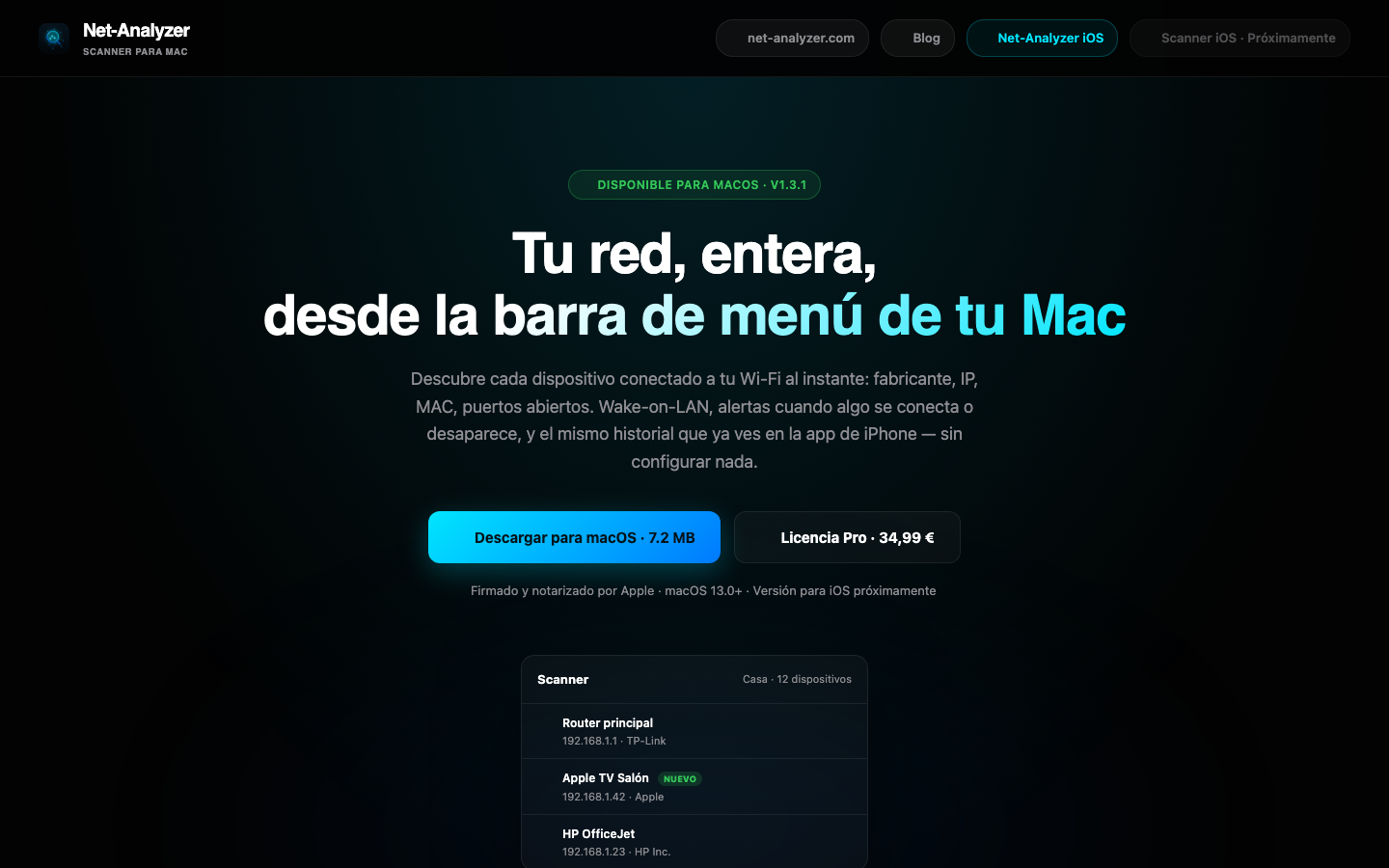
Net-Analyzer Scanner is a lightweight menu-bar app that answers "what's connected to my Wi-Fi?" in seconds: it discovers every device on your LAN, tells you who made it, and alerts you when something new shows up.
Features
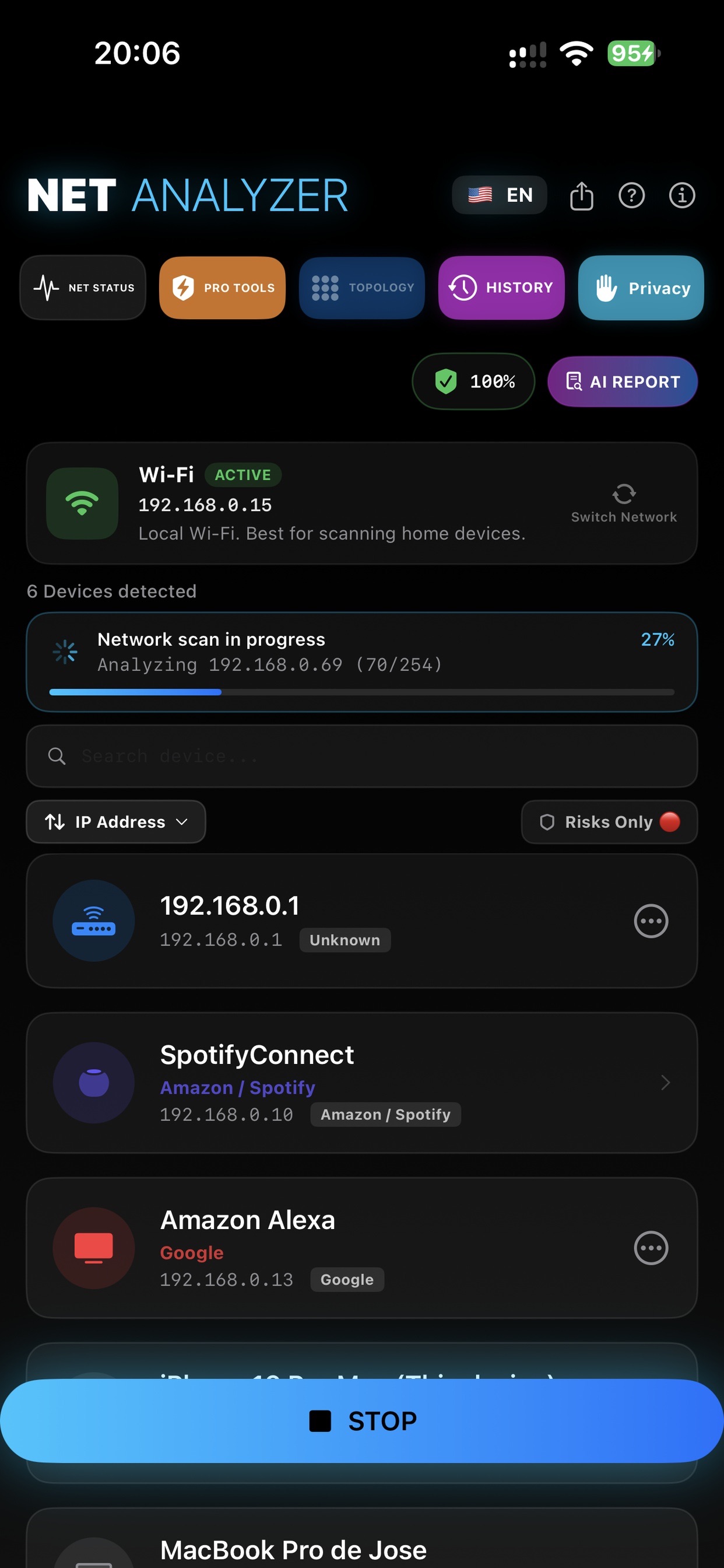
Full device discovery — Bonjour, SSDP, TCP, ARP, NDP, SNMP and SMB scanning finds everything on your LAN.
Vendor identification — the OUI database tells you who made each device (router, phone, camera, IoT…).
New-device alerts — get notified when something unknown joins your network.
Wake-on-LAN — wake machines remotely with one click.
Router audit — security checks against your gateway.
Network tools — ping, port scan, history and per-device notes.
Menu-bar first — a lightweight SwiftUI app that lives in the menu bar.
Six languages — ES / EN / FR / IT / DE / PT, with remotely managed updates.
How to use it
- 1Download the DMG, drag the app to Applications and open it.
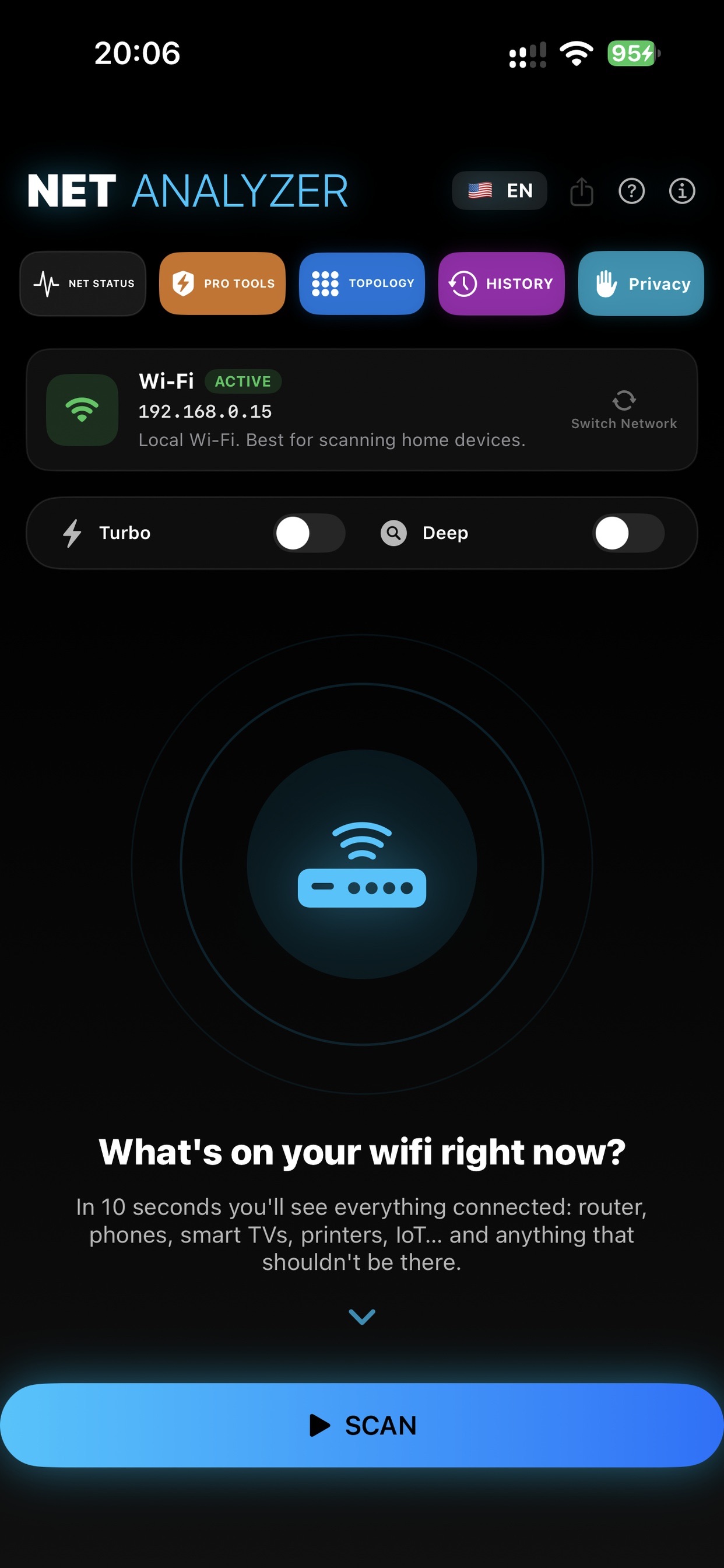
- 2The icon sits in the menu bar — click it and run a scan.
- 3Within seconds you get the device list: name, IP, MAC and vendor.
- 4Enable alerts to be told when a new device connects.
- 5Use Wake-on-LAN, ping or the port scanner from each device's card.
Requirements
Recent macOS · Apple Silicon & Intel (universal binary) · Signed & notarized by Apple.
What's in this repository
Scanner-Net-Analyzer-<version>.dmg— signed + notarized installerScanner-Net-Analyzer-<version>.zip— Sparkle update archive (EdDSA-signed) used by the in-app auto-updater- The App Store edition is updated through the App Store itself.
FAQ
Why do I see "unknown" devices?
Many devices don't advertise a name or services. The MAC vendor (OUI) usually gives it away — look for "Apple", "Espressif" (IoT), "Samsung"…
Can it wake a powered-off PC?
Yes, if the machine has Wake-on-LAN enabled in BIOS/OS and is on the same network (or configured accordingly).
What's the difference between the DMG and the App Store build?
Same app; the DMG updates via Sparkle while the App Store edition updates through Apple and runs sandboxed.
Support
- Website: scanner.net-analyzer.com
- Email: support@it-systems.es