Download
 Pro (DMG)
Download the latest DMG — full control, no App Store limits
 Lite
 Website
What it is
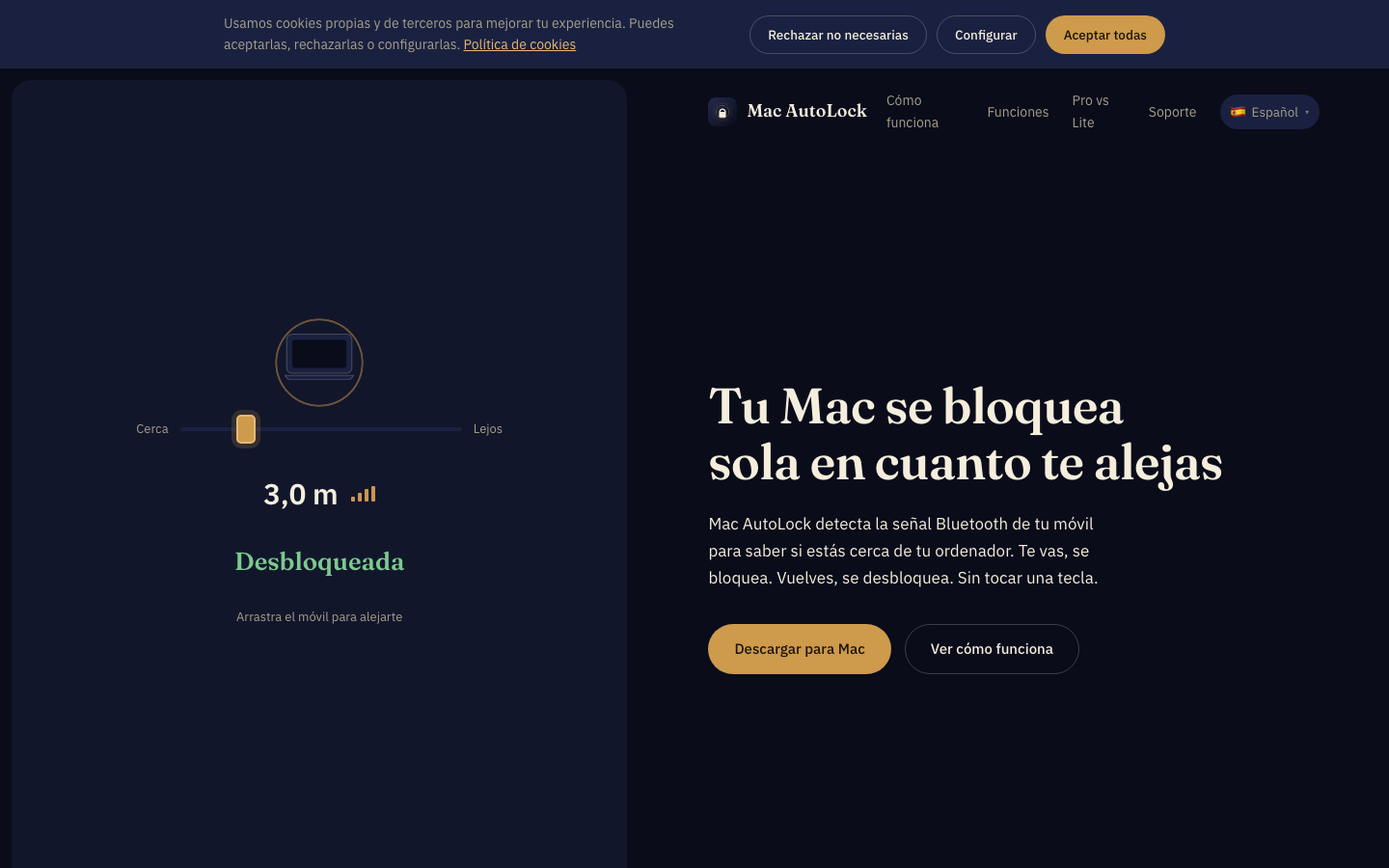
Mac AutoLock watches the Bluetooth signal of your phone. Step away from your desk and the signal fades → your session locks. Come back → it unlocks for you. Your phone is the key; nothing else to carry, nothing to remember.
Features
Real session lock & unlock — automatic unlock with Keychain (Pro edition).
Intrusion alerts — silent photo of whoever touches your Mac while you're away (Pro).
Trusted networks — never locks at home or at the office (Wi-Fi whitelist).
iOS companion app — lock and unlock your Mac remotely from your iPhone.
BLE proximity engine — adjustable distance and timing thresholds.
Unlimited Macs & phones — one plan covers all your machines (Pro).
App Store Lite edition — the same proximity engine inside Apple's sandbox.
How to use it
- 1Download the DMG, drag Mac AutoLock to Applications and open it.
- 2Pair your iPhone/Android over Bluetooth following the wizard (2 minutes).
- 3Tune the lock distance with the slider — the app shows live signal strength.
- 4Walk away: once the signal drops enough, the session locks itself.
- 5Optional: mark your Wi-Fi as a trusted network so it never locks at home.
Editions & pricing
| Lite (App Store) | Pro (DMG) | |
|---|---|---|
| Proximity engine | ✓ | ✓ |
| Session lock | Standard macOS | ✓ + auto-unlock |
| Intrusion photo | — | ✓ |
| Trusted networks | — | ✓ |
| Sandboxed | ✓ | — |
| Updates | App Store | Automatic Sparkle |
Requirements
Recent macOS with Bluetooth LE · iPhone or Android with BLE for proximity · Signed & notarized by Apple (DMG).
What's in this repository
MacAutoLock.dmg— signed + notarized Pro installerMacAutoLock-<version>.zip— Sparkle update archive (EdDSA) used by the in-app auto-updater*.delta— Sparkle delta updates between versions
FAQ
Why two editions?
The App Store sandbox doesn't allow camera access or true auto-unlock — that's why the Pro DMG (outside the sandbox) has every feature while Lite offers standard locking.
Does it drain my phone's battery?
No — it uses Bluetooth Low Energy. The extra drain on the phone is negligible.
What if Bluetooth turns off?
The app detects the signal loss and applies the configured policy (graceful lock, notification, etc.).
Support
- Website: www.macautolock.com
- Email: support@it-systems.es